World · India Bureau
Smartphone battery draining fast? Here's how to fix it
If your phone's battery is depleting rapidly even when idle, background apps, location settings and weak network signals could be the culprits. Simple configuration adjustments can significantly reduce battery consumption.
LSN India ·
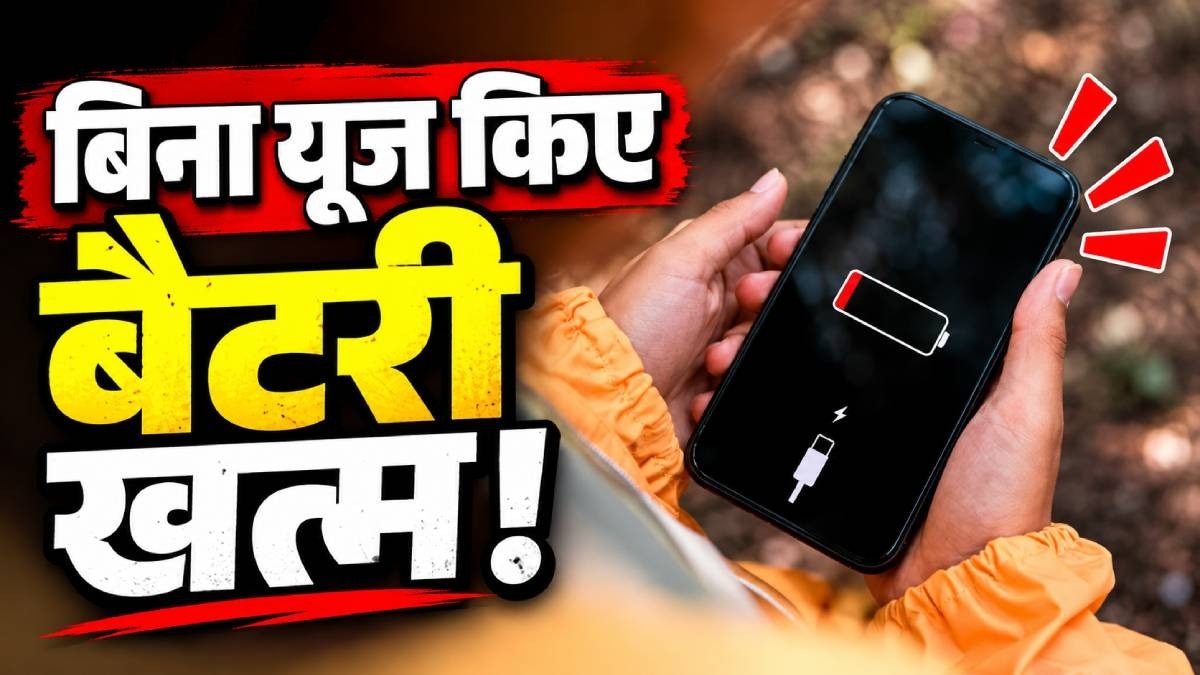
Smartphone users frequently encounter the frustration of batteries draining quickly despite minimal active use. This phenomenon is typically caused by several factors operating simultaneously in the background, draining power even when the device appears dormant.
Background applications represent one of the primary battery consumers on most phones. Apps running in the background—including social media platforms, messaging services, and email clients—continuously sync data, refresh content, and send notifications, consuming substantial battery power. Location services also contribute significantly to battery drain, as GPS functionality requires continuous power to track position data. Additionally, weak cellular or Wi-Fi signals force devices to work harder to maintain connections, consuming more energy in the process.
Users can mitigate battery drain by implementing several straightforward adjustments. Disabling location services for apps that do not require constant positioning, closing unnecessary background applications, and enabling battery-saver modes can yield noticeable improvements. Adjusting screen brightness, reducing refresh rates, and ensuring robust network connectivity further help conserve power.
Regularly reviewing which applications have permission to access location data and restricting background activity for non-essential apps can extend battery life considerably. Most modern smartphones provide detailed battery usage statistics, allowing users to identify power-hungry applications and take corrective action accordingly.