World · India Bureau
Step-by-step guide to obtaining e-Aadhaar through UIDAI portal
Indian residents can now easily download their electronic Aadhaar documents online through the official UIDAI portal using a straightforward verification process. The digital version serves as a valid substitute for the physical Aadhaar card across most government and private transactions.
LSN India ·
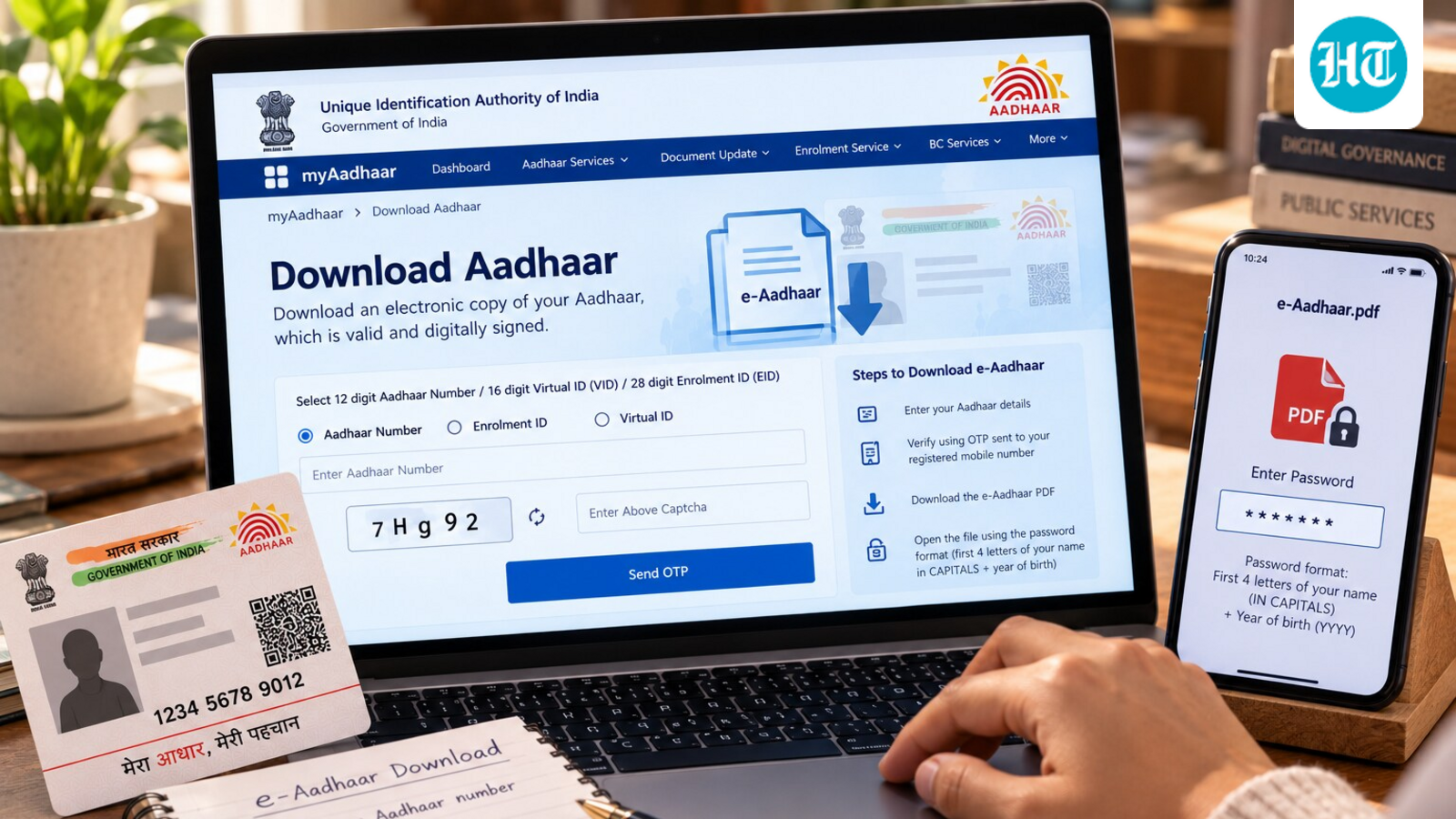
The Unique Identification Authority of India (UIDAI) enables citizens to access their e-Aadhaar documents directly from its official online platform. The process begins when users visit the UIDAI portal and enter their 12-digit Aadhaar number along with basic personal information to initiate the download request.
Authentication forms the critical second step in obtaining e-Aadhaar. The system generates a One-Time Password (OTP) which is sent to the registered mobile number associated with the Aadhaar record. Users must enter this OTP within the stipulated time frame to verify their identity and proceed to download the document.
Once authentication is complete, the e-Aadhaar document becomes available as a downloadable PDF file. The UIDAI secures this PDF with a unique password format, typically combining the user's date of birth with other identifying information. This password protection ensures that only the legitimate Aadhaar holder can access the confidential document.
The electronic version of Aadhaar carries the same legal validity as its physical counterpart and is increasingly accepted across banking, telecom, education, and healthcare sectors. Citizens can download their e-Aadhaar multiple times as needed and store copies securely on their devices. The UIDAI recommends keeping the PDF password confidential and sharing e-Aadhaar only with authorized entities requiring identity verification.